
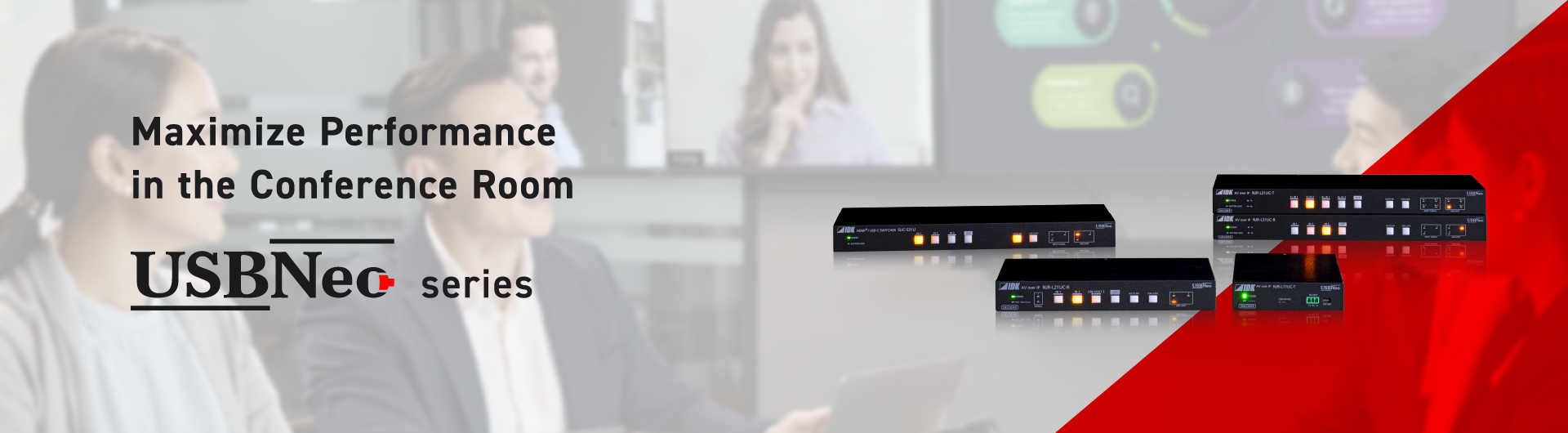
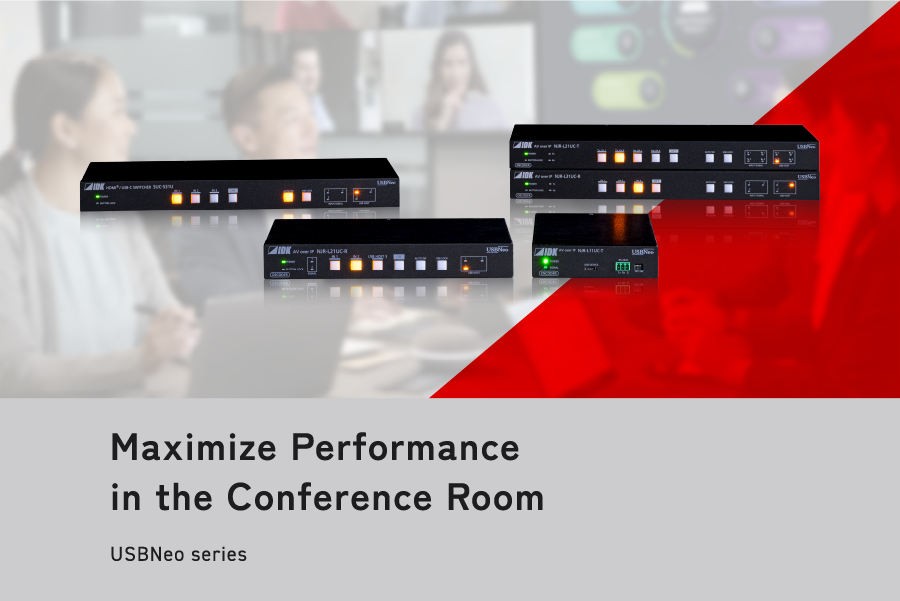

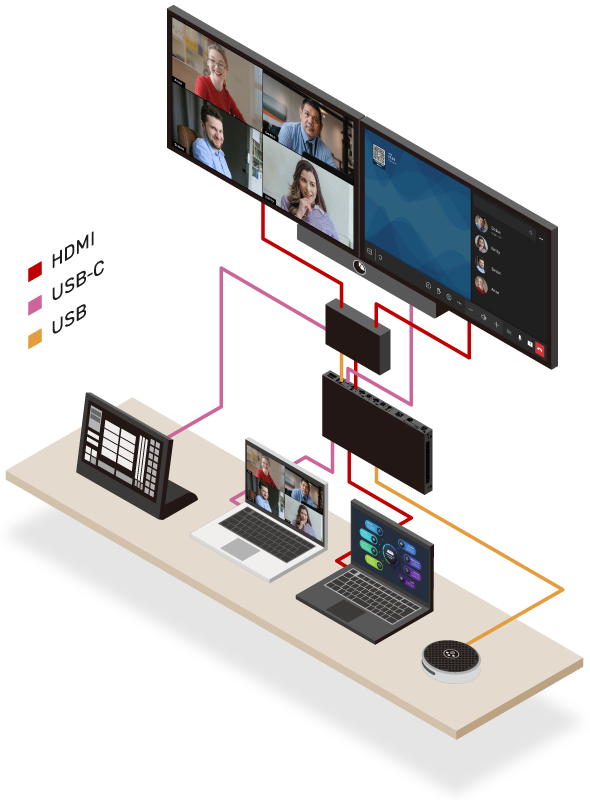
USBNeo provides an innovative, value driven solution
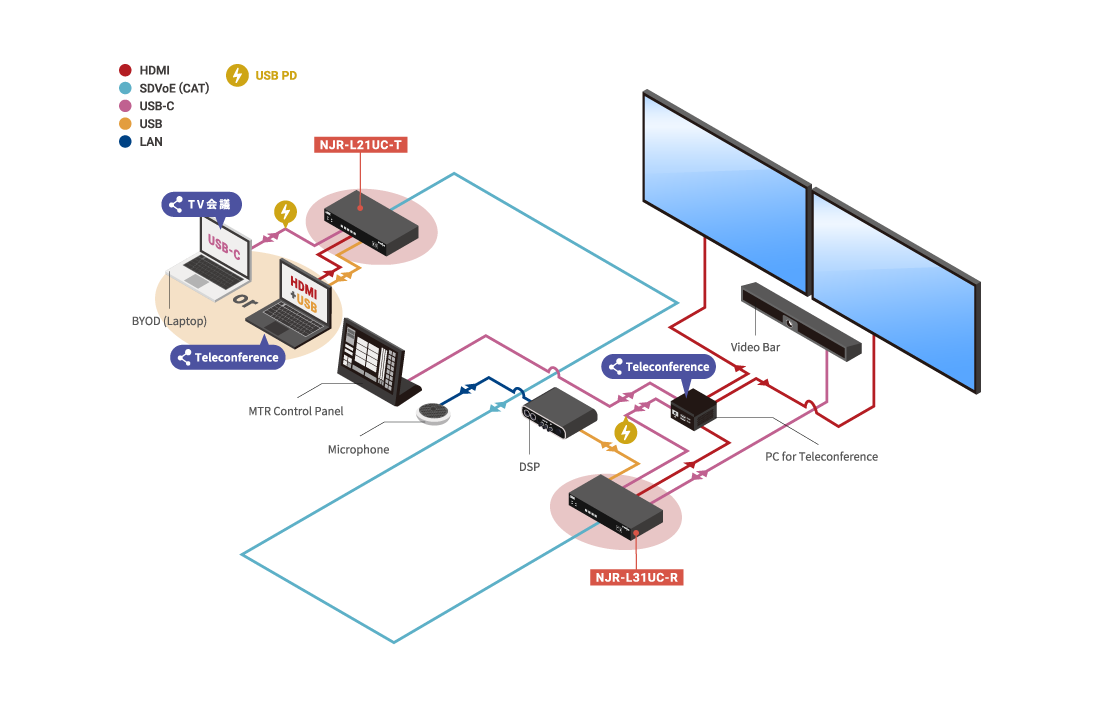
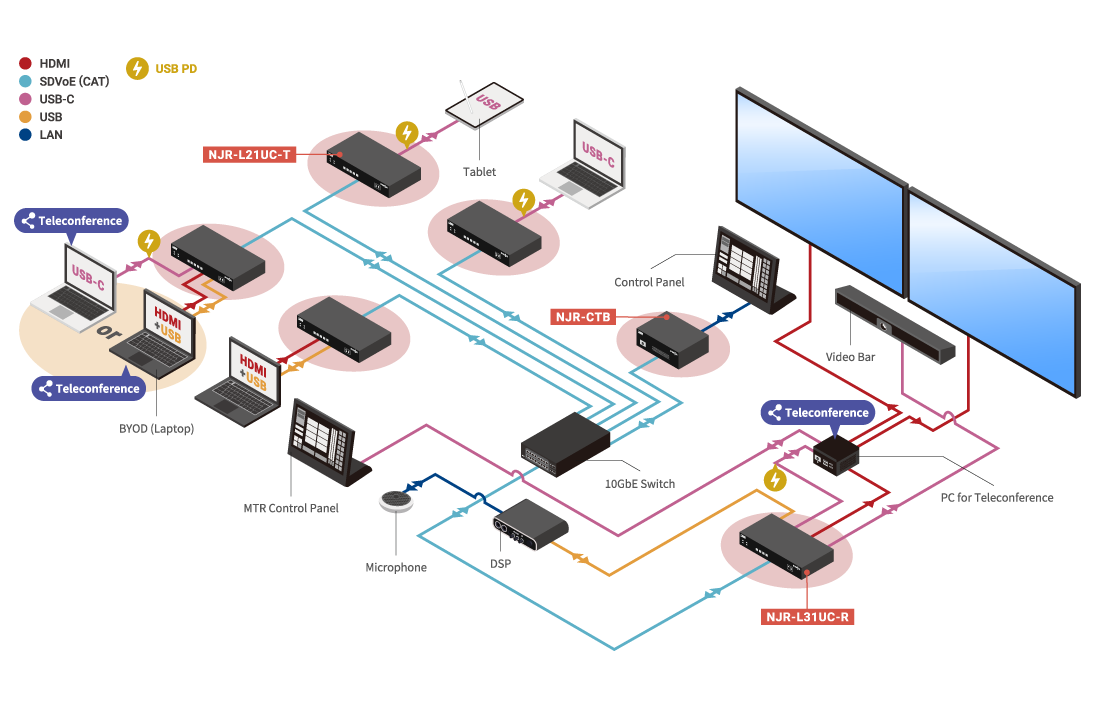
♦ Supports both dedicated conferencing rooms and BYOM*
♦ Easy to configure, does not require additional control processors
♦ Scalable, expandible, and flexible, utilizing SDVoE technology
*BYOM= Bring Your Own Meeting
Point 01
Support dedicated conferencing codecs and host meetings on a personal device
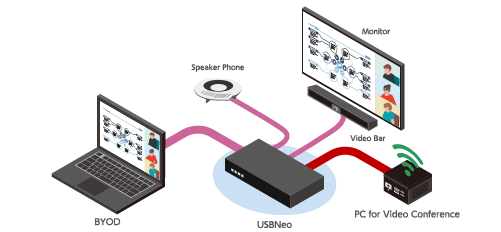
Point 02
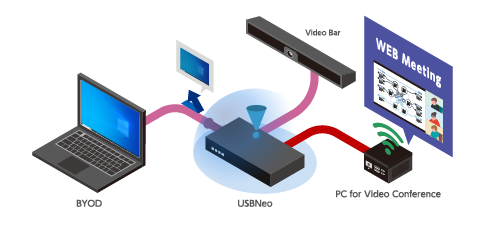
Sharing Meeting content from BYOD*
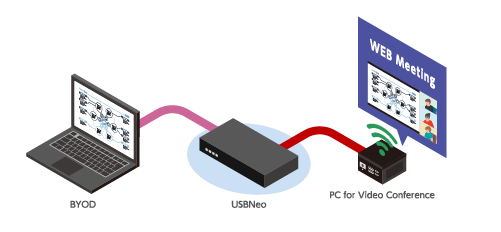
Point 03
e.g. Automatic input switching without control devices
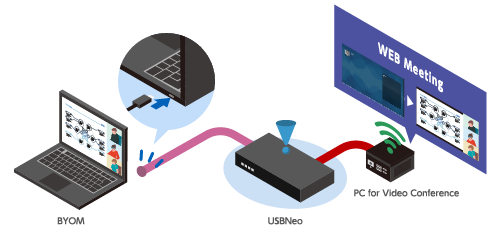
Point 04
Monitor call status to prevent unwanted USB host switching→ Optimal system operation
Point 05
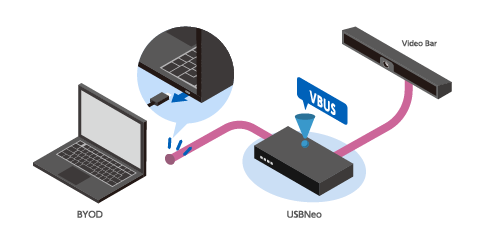
Stable operation for USB devices
Point 06
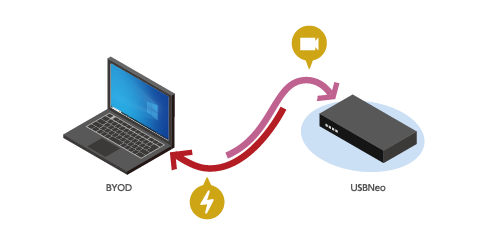
Charge connected USB-C devices
*BYOD= Bring Your Own Device
Small huddle space, No extension needed
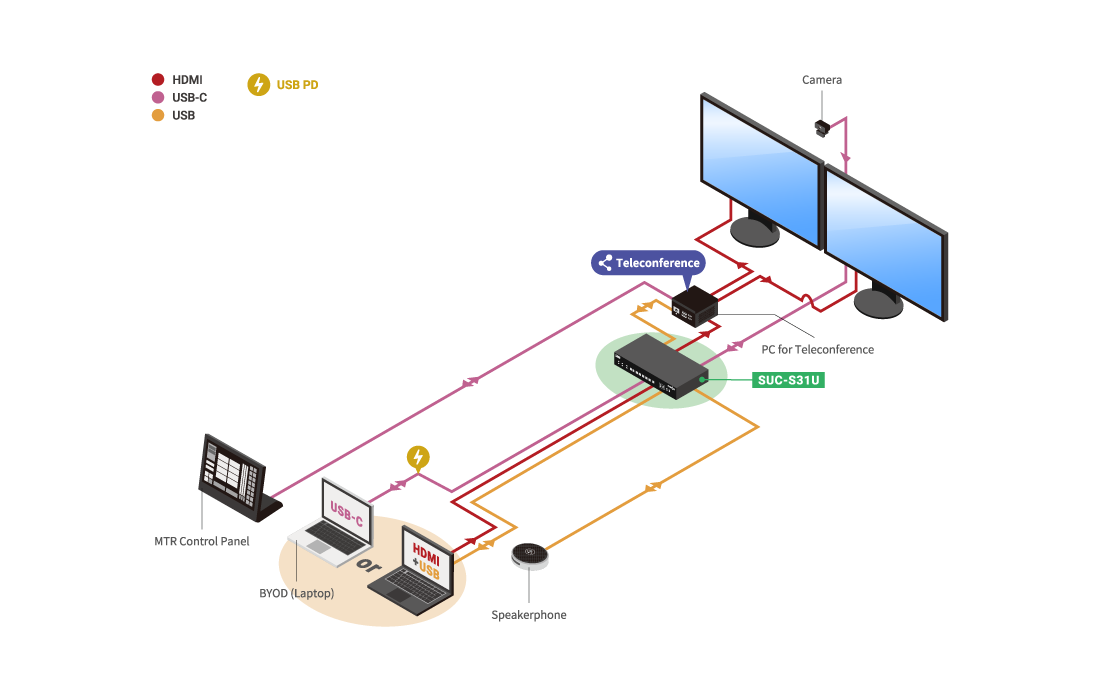
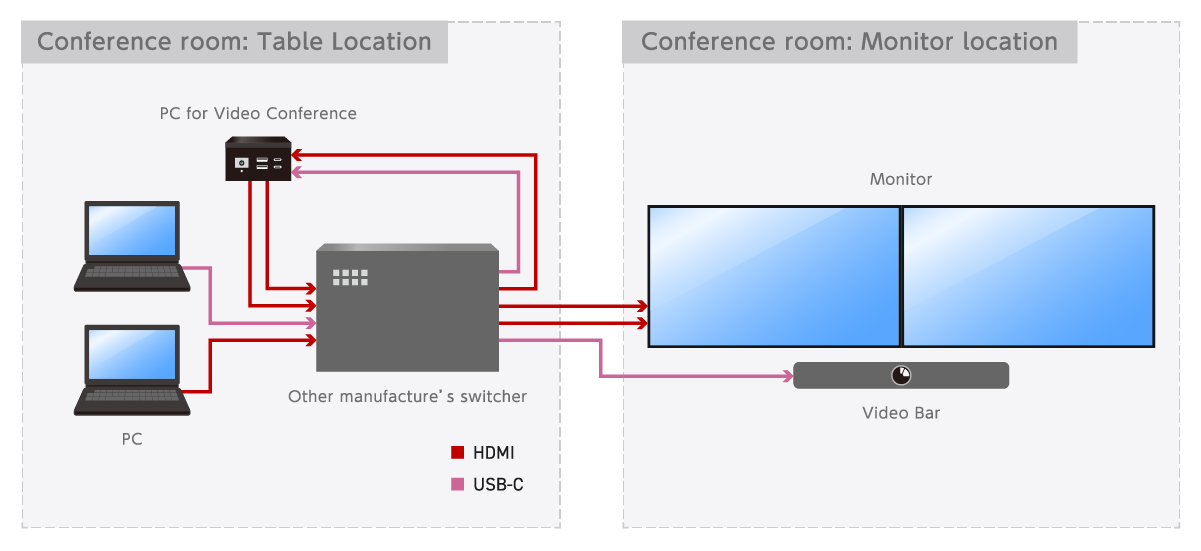
Case 1: MTRoW installed before a switcher.
Complicated control,
Does not support multiple inputs,
Output for BYOD is needed,
For Dual monitor setup: Two scaled outputs are required.
Case 2: MTRoW installed after a switcher.
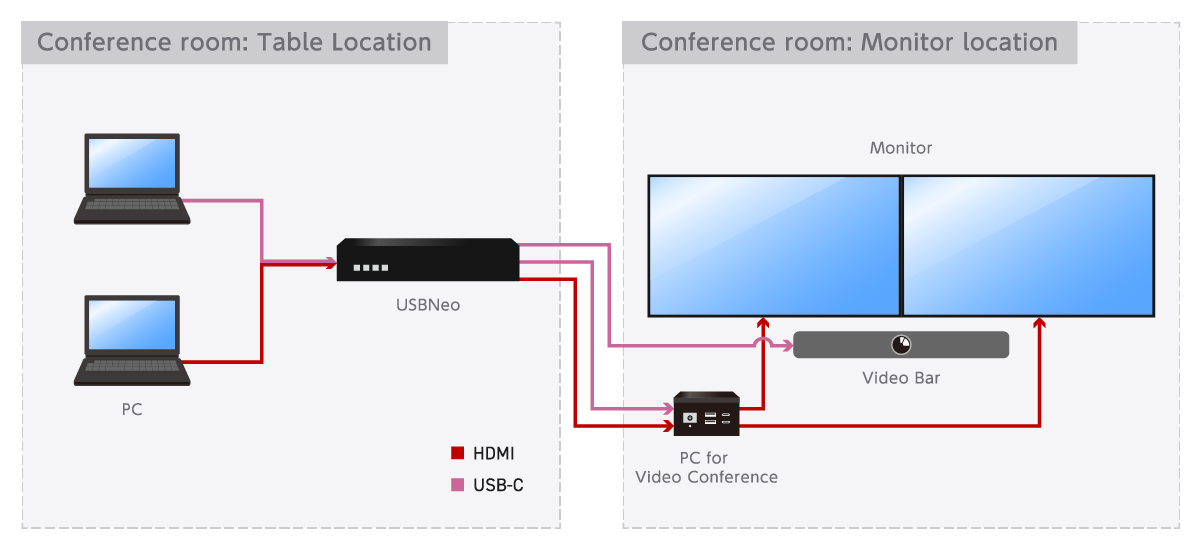
Advantages
Simple control
Simple cabling

Reduced cost

Single & Dual monitor managed from MTR
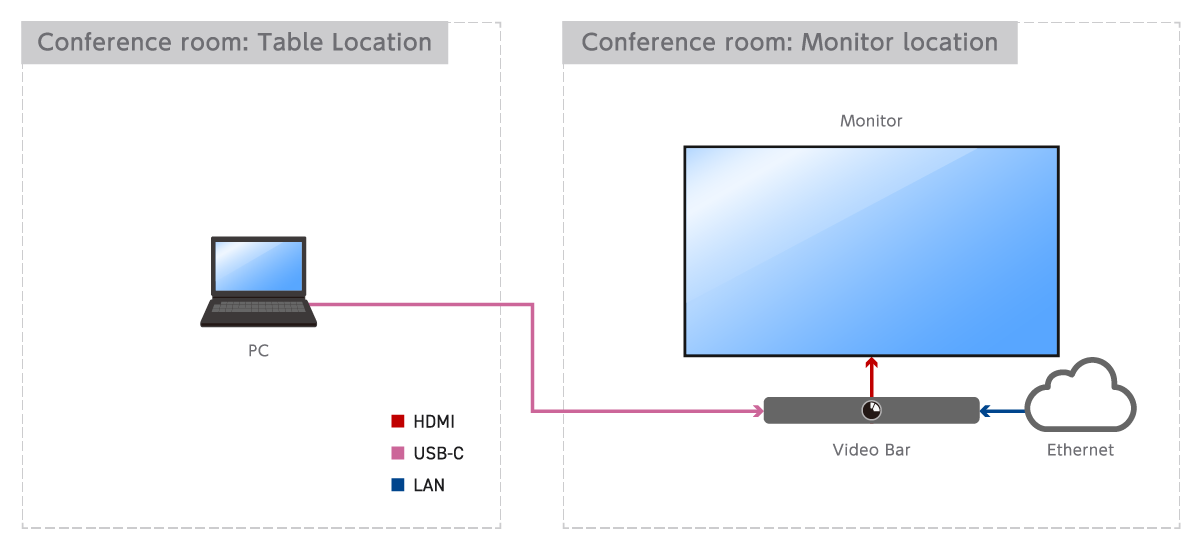
For rooms operating with an Android Video Bar, the meeting room status is monitored within the video bar. Unless the rooms requires video/USB extension or multiple inputs the video bar alone is usually enough.

Models
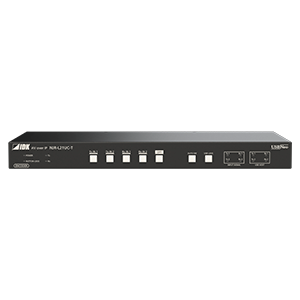 4K@60 HDMI/USB-C Encoder with 2 Inputs and 1 Output
NJR-L21UC-T
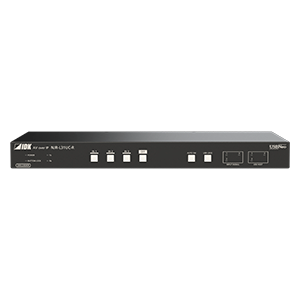 4K@60 HDMI/USB-C Decoder with 3 Inputs and 1 Output
NJR-L31UC-R
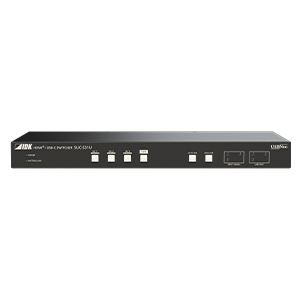 4K@60 HDMI and USB-C Switcher with 3 Inputs and 1 Output
SUC-S31U
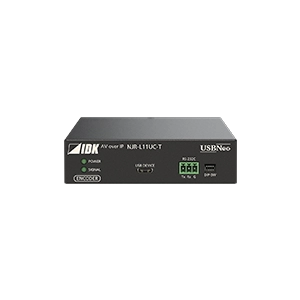 4K@60 USB-C Encoder
NJR-L11UC-T
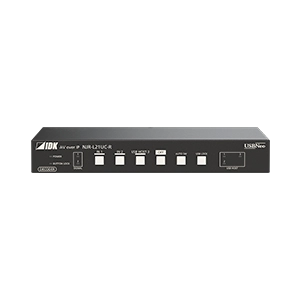 4K@60 USB-C Decoder with 2 Inputs and 1 Output